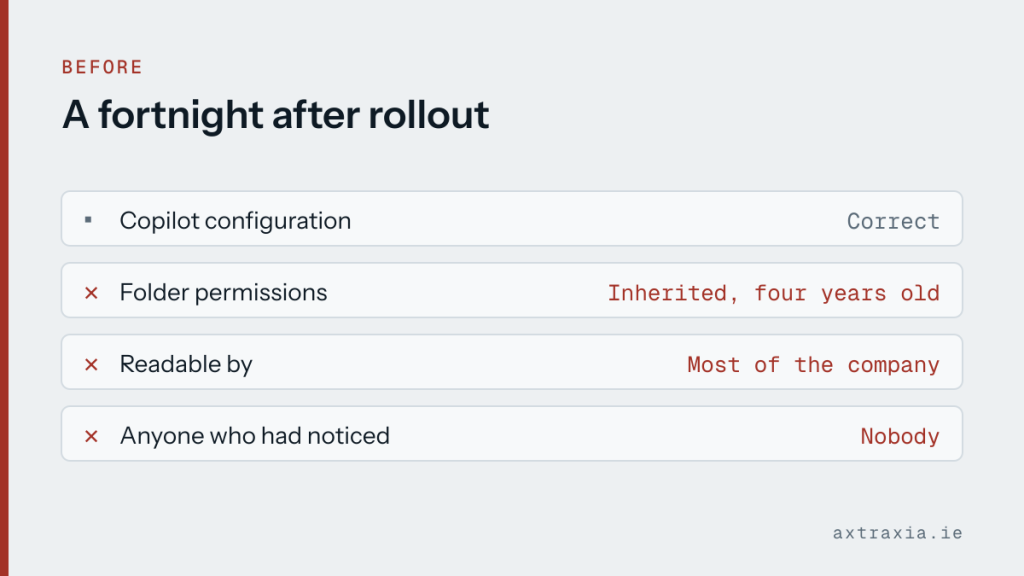
A business rolled out Copilot and, within a fortnight, someone asked it a routine question and got an answer drawn from a document they were never meant to see.
Nothing had been misconfigured in Copilot. The file had been sitting in a shared folder with inherited permissions for four years, technically readable by most of the company, and nobody had ever had a reason to look.
What actually happened
Copilot respects existing permissions. It does not grant access to anything a person could not already open. That is the reassuring part and it is genuinely true.
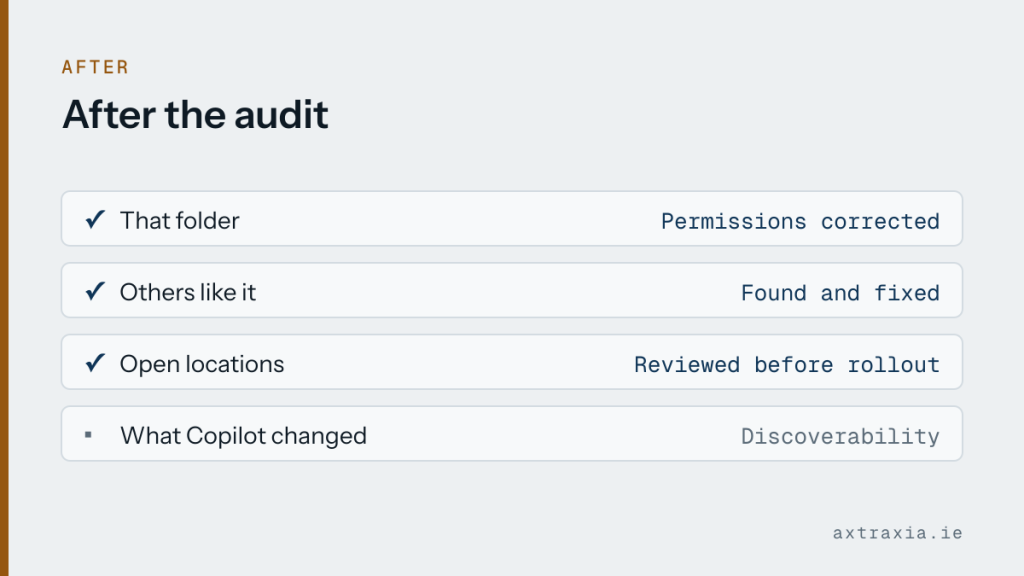
What changes is discoverability. Before, finding that document required knowing it existed and where it lived. Now a plain question surfaces its contents in seconds. The permissions problem was always there; the tool made it visible.
The fix, and the better fix
The immediate repair was narrow: correct the permissions on that folder and the handful of others like it.
The better fix was doing the audit that should have preceded the rollout. Which locations are open to everyone, whether that is still intentional, and what sits in them. Most businesses find at least one folder that made sense in 2019 and does not now.
Worth doing today
Before switching on any assistant that reads your own files, spend an hour on permissions. Not a project: look at your most-used shared locations and ask whether the access list still reflects who should see what.
Pay particular attention to anything containing pay, contracts, performance notes or client commercial terms. Those are the documents where a surprise costs trust rather than time.
This is the caution worth understanding before choosing a tool at all: Copilot inherits the state of your files, which is an argument for tidying first rather than against using it. If you are planning a rollout, describe how your files are organised and you will get an honest view on whether it is ready.