
A SharePoint list that a team used every day started showing an error instead of records. Nothing had been changed that morning. It had simply crossed five thousand items overnight.
SharePoint has a list view threshold. The list can hold far more than five thousand items, but a view that tries to sort or filter across more than that without support will refuse rather than run slowly.
Why it arrives without warning
Nothing degrades gradually. The list works perfectly at 4,999 items and fails at 5,001, on an ordinary morning, with no change to blame. The natural assumption is that something broke, when in fact the list simply grew.
It also tends to hit the busiest list in the business, because that is the one that fills fastest.
The fix, and the better fix
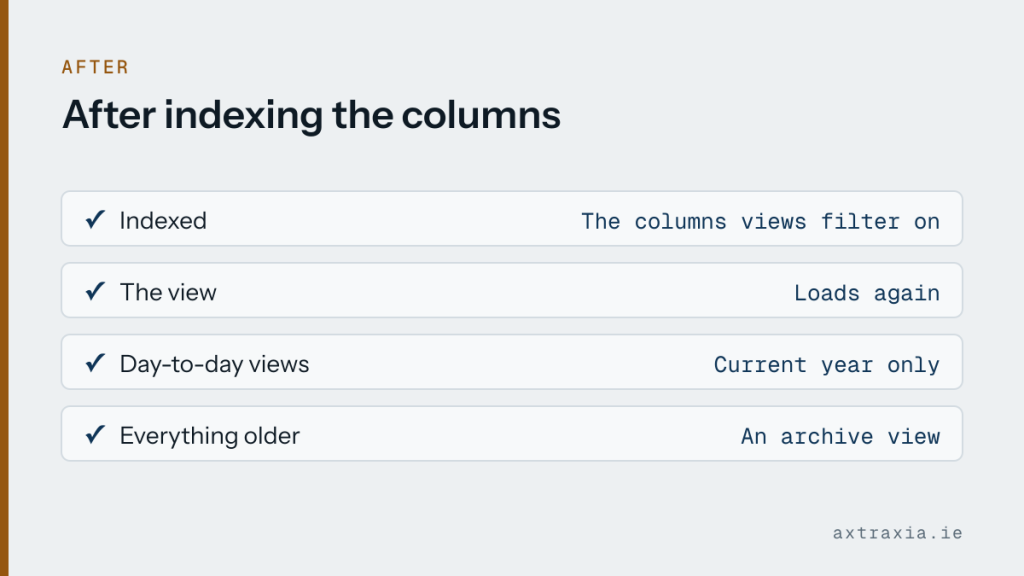
Indexing the columns the views actually filter on resolved it immediately. An indexed column can be filtered across a large list without hitting the limit.
The better fix was the views themselves. Most were showing everything ever recorded, which nobody needed. Filtering to the current year, with an archive view for the rest, meant the day-to-day views stayed small and fast regardless of how big the list grows.
Worth doing today
If you have a list that grows continuously, check how many items it holds. Anything over a few thousand is worth indexing before it becomes urgent, which is a two-minute change made calmly rather than a scramble on a Tuesday.
While you are there, ask whether your default view genuinely needs to show every record ever created. Almost none do.
None of this is a reason to avoid lists. They handle a great deal more than their reputation suggests, provided the views are set up with growth in mind. If a list of yours has started misbehaving, describe what it holds and how it is used.