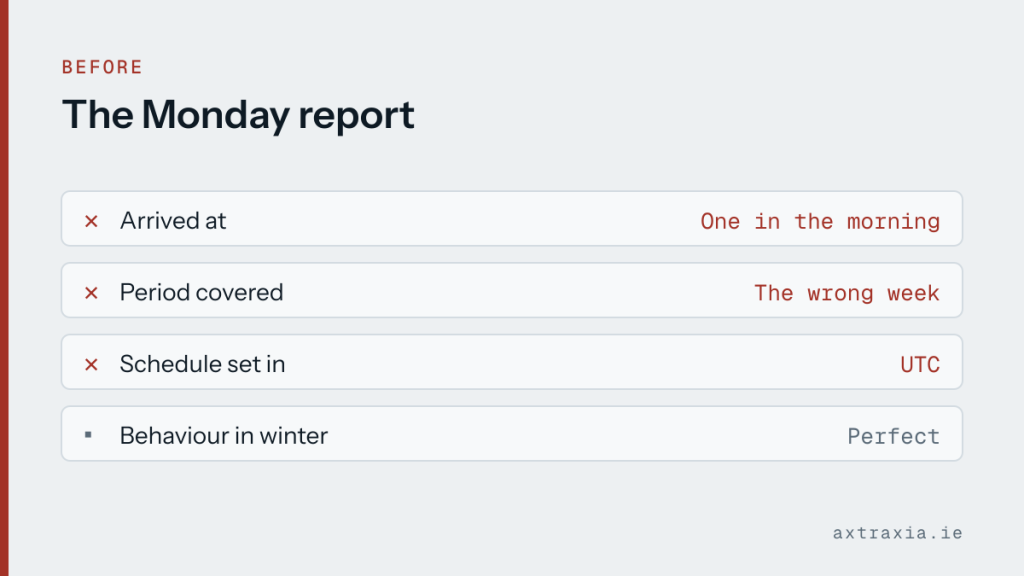
A weekly summary was set to arrive on Monday mornings before anyone got in. It arrived at one in the morning, and it covered the wrong week.
The schedule was set in UTC. In Irish summer time that is an hour behind, and the report was being generated before the last working day had finished being counted.
Why it is easy to get wrong
Automation platforms default to UTC, which is sensible for a global service and unhelpful for a business operating in one place. For roughly half the year Ireland is on UTC, so a schedule set in winter behaves perfectly until the clocks change and then quietly drifts by an hour.
An hour sounds trivial. It stops being trivial when it moves a job across midnight, because the date changes with it and the report starts covering a different period than the one it is labelled with.
The fix
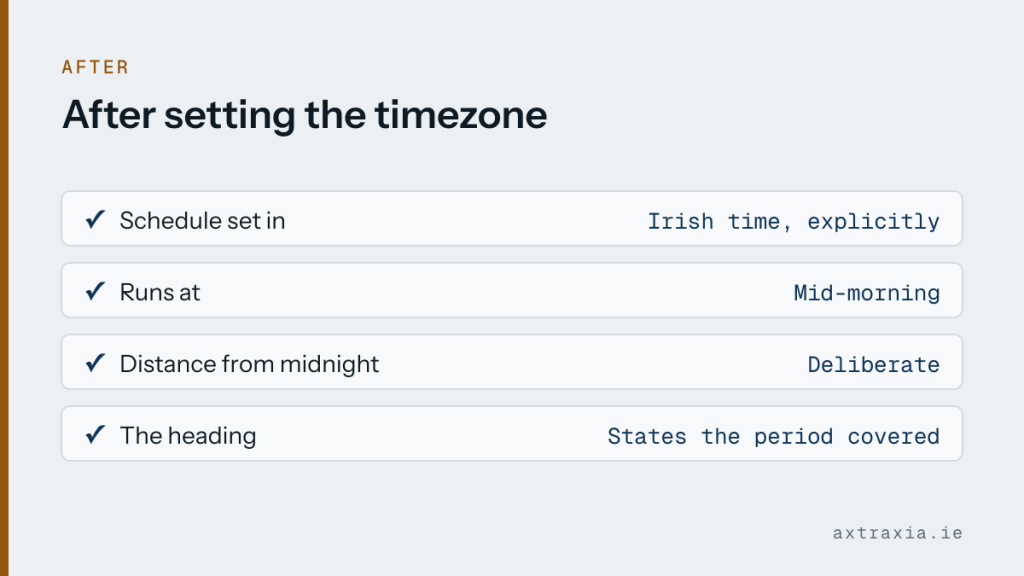
The schedule was set explicitly to Irish time rather than left on the default, and the run moved to mid-morning instead of sitting right against midnight. Anything scheduled within an hour of a date boundary is asking for this problem twice a year.
The report also now states the exact period it covers in its own heading, so a wrong week is visible on sight rather than assumed correct.
Worth doing today
Look at anything you have scheduled: reports, reminders, backups, invoice runs. Check the timezone it is set in, not just the time.
Then move anything sitting close to midnight. There is rarely a reason for a job to run at 23:30 rather than 09:00, and the later slot survives a clock change without changing which day it belongs to.
If a scheduled thing has been arriving at odd times or covering the wrong period, describe what it does and when it runs. This one is usually a five-minute answer. It also pairs with a broader question worth asking: whether the task earns automating at all.